
How I Built and Shipped PhysDaily Solo: Flutter, Firebase, and AI Deep Dive
TL;DR: I built, branded, and shipped a cross-platform physics challenge app — complete with a custom AI-powered CMS, Firebase backend, and a 14-day closed beta — as a solo engineer. Here's every architectural decision, every trade-off, and what comes next.

Who Is This For?
If you're a developer curious about shipping a full-stack mobile product solo, this post is for you. No team. No startup runway. Just deliberate engineering decisions, the right tools, and a bias for shipping. By the end of this, you'll walk away with a clear picture of how to architect a Flutter + Firebase app, build a lightweight AI-powered CMS, and launch on Google Play — from idea to production.
The Product: PhysDaily
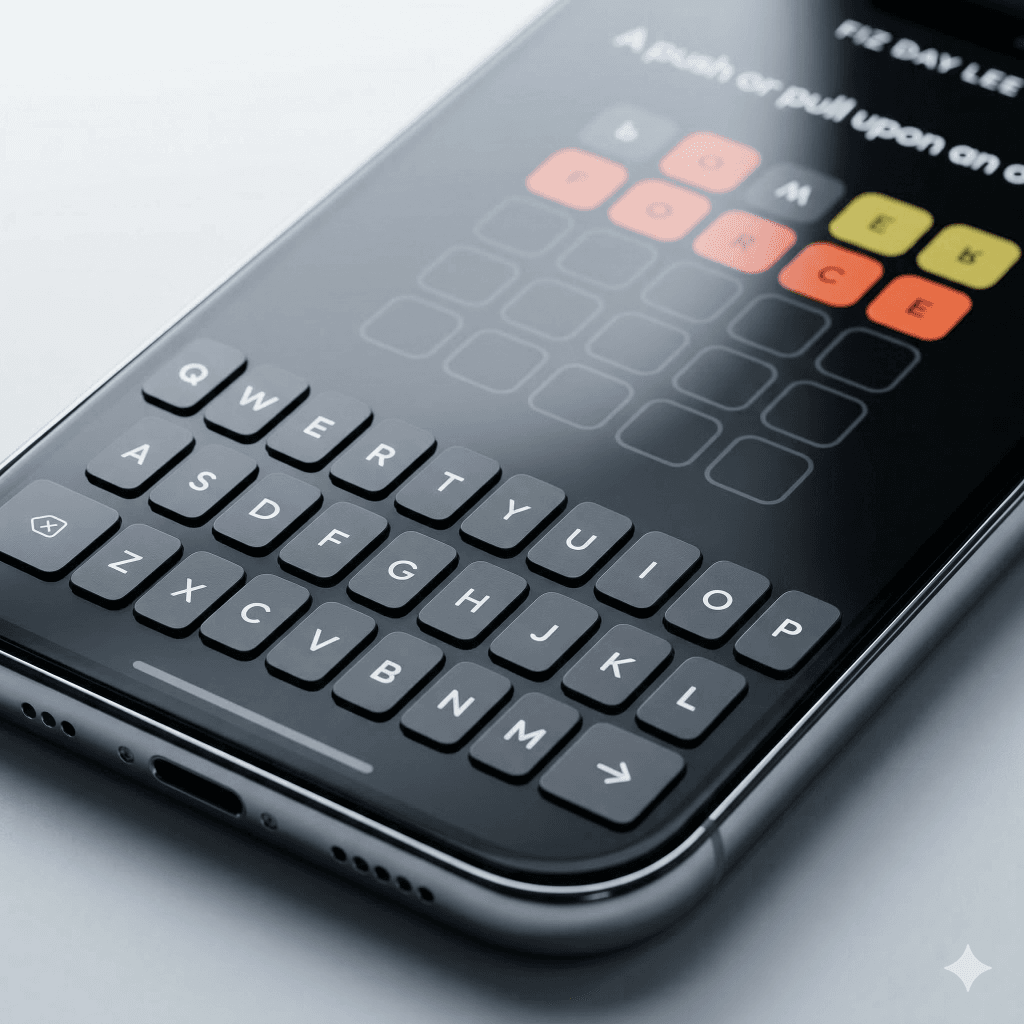
PhysDaily is a daily physics challenge app inspired by the classic "Physics Bowl" format — think Wordle, but for physics students, competitive exam aspirants, and anyone who wants to keep their analytical thinking sharp in the age of instant AI answers.
Core loop: Open the app → solve one carefully crafted daily problem → build your streak → come back tomorrow.
It's live. It's reviewed. It's on Google Play.
- Stack: Flutter · Firebase Firestore · Node.js · Next.js
- Platform: Android (iOS coming)
- Brand: iProfile Labs
1. Why This Stack? The Speed-to-Market Argument
The decision to ship fast without sacrificing quality starts at the stack level.
Flutter: One Codebase, Zero Compromise on Feel
A "Wordle-style" daily game lives and dies by its tactile feel — the satisfying flip of a card, the shake of a wrong answer, the glow of a correct one. Native Android would have been fast to write but slow to port. React Native would have required bridging native modules for complex animations.
Flutter gave me both: a single codebase and a high-performance rendering engine that runs completely independently of the platform's native UI widgets. Using flutter_animate, I was able to build smooth micro-animations flips, shakes, glows in a fraction of the time it would have taken in a dual-codebase native setup.
Decision: Flutter over React Native, not because React Native is bad, but because Flutter's rendering model gave me the animation fidelity I needed without a performance tax.
Firebase: "No-Ops" Backend
I'm one engineer. I don't want to manage a database server, write a REST API, handle auth for a content pipeline, and build a mobile app simultaneously. Firebase's Cloud Firestore eliminated the first two entirely.
The critical win was real-time push: the moment I deploy a new puzzle from the CMS, every user's app receives it globally no app update, no cache-busting, no version bump. For a daily challenge format, that's the infrastructure property that matters most.
[this image will go here architecture overview diagram: Flutter App ↔ Firestore ↔ CMS]
2. The Architecture: Three Separate Repositories, One Product
What most solo projects get wrong is monolith thinking. I made an early call to separate concerns across three distinct codebases:
| Repository | Tech | Purpose |
|---|---|---|
fiz-day-lee |
Flutter / Dart | The mobile app users install |
fiz-day-lee-cms |
Node.js / Next.js | The content pipeline (CMS) |
iprofile-dev |
Web | Brand, portfolio, and landing page |
This separation paid off immediately. Updating the CMS doesn't touch the app. Rebuilding the landing page doesn't break the content pipeline. Each piece is independently deployable and testable.
3. The CMS: Content-as-Code with an AI Layer
This is the part I'm most proud of architecturally and the part nobody sees.
The Problem with Traditional CMS
Building a full web-based admin panel (with auth, a rich text editor, and a deployment pipeline) for a solo V1 is over-engineering. I needed to publish a new physics question every day. A puzzles.json file and two scripts turned out to be the right abstraction.
How the Pipeline Works
Step 1: AI Question Generation with Constraints
Instead of writing questions manually, I built a script that calls an LLM with strict constraints to ensure the content fits the app's minimal UI. I don't just ask for a "question"; I enforce a specific format and logic:
Topic: [Next sequential topic based on history]
Constraint: Exactly 4-letter answer (for the wordle-style UI)
Format: JSON with explanation
The model generates the question, ensures the answer fits the 4-letter grid, and appends it directly to puzzles.json. One command, perfectly formatted content.
Step 2: The "Rule-Flip" Deployment
Pushing the updated JSON to Firestore without a complex admin auth system required a pragmatic hack. I wrote a Node.js script that handles the deployment by temporarily flipping my security rules:
- Open Door: It pushes a security rule update that sets
allow write: if true. - Push Data: It syncs the local
puzzles.jsonto Firestore. - Close Door: It immediately reverts the rules to
allow write: if false.
While it sounds risky, the window of vulnerability is measured in milliseconds, and the script is triggered manually from my secure local machine. It’s a "peace of mind" hack that works flawlessly for a solo project.
[this image will go here CMS pipeline diagram: AI Script → puzzles.json → updatedb.js → Firestore → App]
JSON Growth Management
One practical concern: puzzles.json grows with every question added. My current thinking is to implement a rolling window—once the archive hits a threshold (say, 90 questions), the oldest entries are pruned from the JSON before the next sync. Firestore holds the canonical history; the local file is just the staging ground.
The Roadmap: Human-in-the-Loop Automation
The longer-term vision is to connect a locally-run LLM to physics textbook PDFs to automate content creation entirely. However, I’ll keep a "Developer Review" step—the AI generates the batch, but a human (me) must review and "accept" the questions before the script triggers the cloud push. This ensures quality control while maintaining high-speed production.
4. Engineering Decisions Inside the App
State Management: Right-Sized, Not Over-Engineered
In Flutter, you have options: Riverpod, Bloc, Provider, ChangeNotifier. The community debates this constantly. My answer: choose based on the actual complexity of the app, not on what impresses in interviews.
PhysDaily is, at its core, a single-activity game loop. One puzzle. One session. One streak counter. A global GameManager singleton using ChangeNotifier was the correct level of abstraction.
class GameManager extends ChangeNotifier {
  static final GameManager _instance = GameManager._internal();
  factory GameManager() => _instance;

  int _streak = 0;
  bool get hasPlayedToday => _lastSessionId == _todaySessionId;

  Future<void> completePuzzle() async {
    if (hasPlayedToday) return;
    _streak += 1;
    await _saveToLocal();
    notifyListeners();
  }
}
It manages the current puzzle, calculates the 7 PM unlock logic (a specific design decision to create a daily "event" feel), and notifies the UI on state changes. No additional dependencies. No boilerplate overhead.
Lesson: Riverpod is excellent. It was also complete overkill here. Choosing the simplest adequate tool is a senior engineering call.
Local Persistence: Offline-First by Default
User progress streak count, last_played_session_id lives in shared_preferences. This means:
- The app works offline (streak display, previous results)
- Progress survives app kills and reboots
- The user's psychological investment (their streak) is never at risk
This "sticky" design is intentional. If a user feels their 15-day streak is permanent and reliable, they're more likely to protect it which drives retention.
5. Keeping It Lean: Asset and Performance Decisions
Mobile users notice app size. I kept PhysDaily under 10MB through two deliberate choices:
Dynamic Content over Bundled Assets
Physics problems are text and LaTeX formulas not images. By fetching puzzle content as raw strings from Firestore at runtime, I bundle zero puzzle-specific assets in the APK. The app is a shell; the content is the service.
Vector-First UI
Every icon comes from fluentui_system_icons. Every UI element is drawn in code not rasterized as PNGs. The result is pixel-perfect rendering on every screen density, with no asset inflation.
Security: Firebase AppCheck
Even with the Pseudo-CMS approach, I locked the frontend using Firebase AppCheck. Only the legitimate, signed Flutter app can query Firestore. Bots and scrapers trying to harvest daily answers hit a wall.
6. The Brand: Designed with Intent
The visual identity the app icon, Play Store screenshots, landing page was crafted using Canva AI and Gemini, then refined by hand. The brand home is iProfile Labs, a portfolio that positions PhysDaily alongside other focused tools I've shipped: Darvin IDE, SwidoMark, and Turai Blog.
The philosophy: Simple software, thoughtfully crafted.

Getting Through the 14-Day Closed Beta
Google Play's internal testing requires a minimum of 12 testers active for 14 consecutive days before an app can proceed to production review. As a solo developer with no existing user base, this is a real barrier.
My solution: I used my LinkedIn network and iProfile.dev portfolio to drive interest. I shared a Google Form framed not as "please test my app" but as "be first to try a physics challenge app before launch." The positioning mattered. I hit 12 testers, completed the 14-day window, and cleared production review.
Lesson: Distribution is an engineering problem. Solve it with the same intentionality as your code.
7. What's Coming: The Engagement Roadmap
Shipping V1 is the beginning. Here's the product thinking for what comes next, grounded in behavioral design principles.
Notification Layer: Curiosity-Driven Re-engagement
The risk with a daily habit app is that users simply forget. The plan is a notification system built around curiosity triggers, not pressure:
"Hey do you know why objects in free fall are actually weightless? 🤔"
The notification doesn't say "You haven't opened the app." It poses a question that makes you want to know the answer. That's the psychological hook and it respects the user's intelligence.
The implementation would use scheduled local notifications or Firebase Cloud Messaging, with a configurable "quiet window" the user sets themselves.
Reward System: Dopamine, Not Addiction
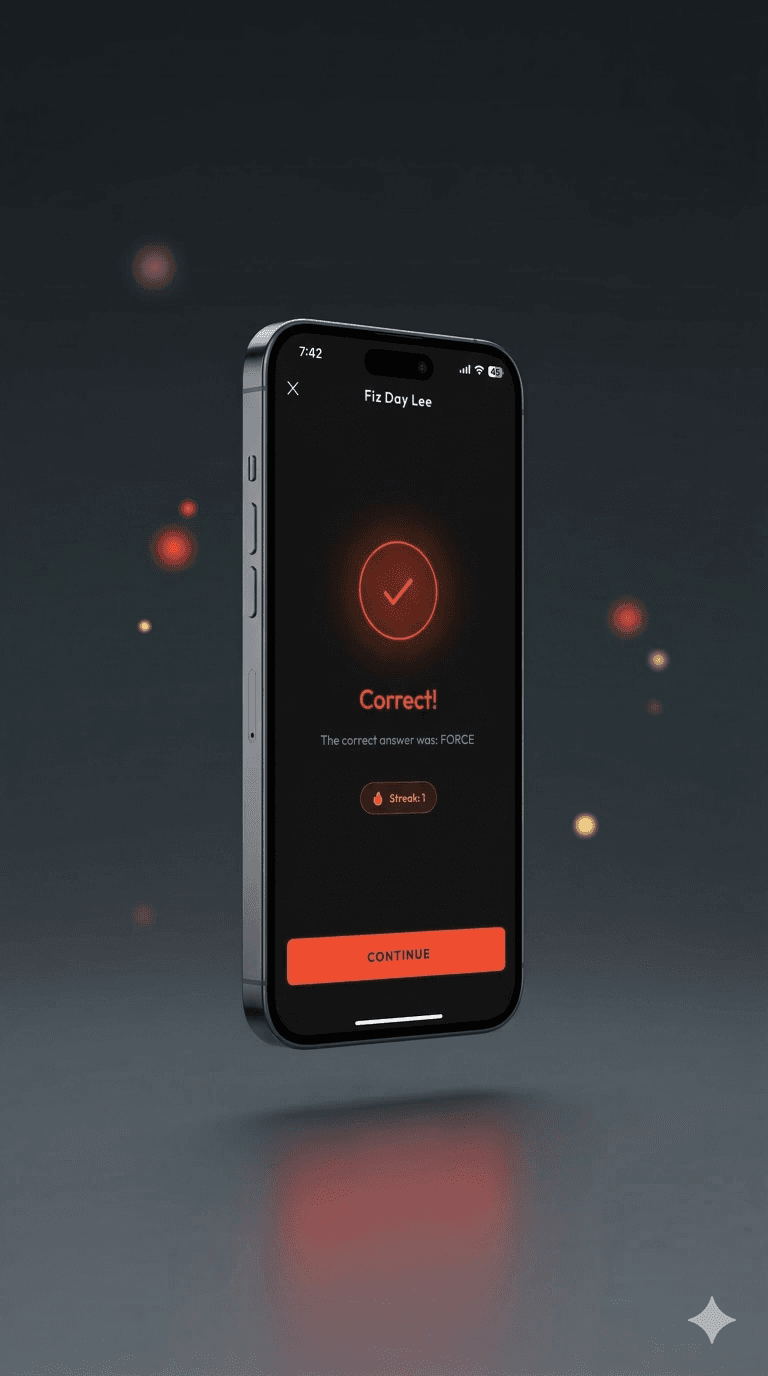
After a correct answer, the plan is to surface a small, satisfying reward a growing tree built from seeds, or a "gotcha sticker" mechanic similar to collectible systems in games like Duolingo.
The key design constraint: the reward should feel good without engineering compulsive behavior. There's no streak-penalty. No loss aversion. The tree grows; it never dies. The goal is to make the user feel good about engaging, not anxious about disengaging.

Social Layer: Peer-Triggered Challenges
One of the strongest engagement mechanics in daily challenge apps is the social proof loop:
"Your connection just answered this question. Try it."
A lightweight "Connections" feature where users can see (anonymously or by name) that someone in their network attempted today's challenge would dramatically increase motivation without requiring a full social graph. This is closer to Strava's "kudos" mechanic than Facebook's feed.
8. Scaling to 100k Users: What Would Break First
V1 was built for shipping. Here's the honest assessment of what would need to change at scale:
1. Move the 7 PM Rule server-side
Currently, the daily unlock logic lives in the Flutter client. At scale, a determined user can change their device clock and unlock future puzzles. A Firebase Cloud Function that validates the session timestamp server-side closes this exploit permanently.
2. Replace the Rule-Flip with Admin SDK + IAM
The Security Rule Flip is a solo-developer power tool. For a team or even for peace of mind at scale migrating the CMS to use the firebase-admin SDK with proper IAM roles eliminates the temporary open-write window entirely.
3. Edge Caching for the Daily Puzzle
The daily puzzle is the same document for every user. At 100k daily active users, that's 100k Firestore reads for a single document. Routing the puzzle fetch through Firebase Hosting with aggressive CDN cache headers would reduce this to near zero database load for the most common read operation.
Reflection
PhysDaily started as a question: Can I build a premium-feeling mobile product, alone, without a backend team, without burning months on infrastructure?
The answer is yes with the right trade-offs. Flutter and Firebase gave me the leverage. The AI-assisted CMS pipeline gave me sustainable content operations. And the discipline to keep each layer of the architecture focused and independent gave me the confidence to ship, iterate, and plan what's next.
This wasn't just an app. It was a complete exercise in product thinking, system design, and distribution compressed into a single solo project.
Try It
📲 Download PhysDaily on Google Play
🌐 Product page iprofile.dev/phys-daily
Have thoughts on the architecture, the CMS pipeline, or the engagement roadmap? I'd love to hear from you — connect with me on LinkedIn or open an issue on GitHub.